Everyone uses ChatGPT. Very few people can explain what happens between pressing Enter and seeing the answer. That gap matters: once you understand tokens, context windows and temperature, you write better prompts, pick cheaper models, and stop being surprised when a chatbot "forgets" or makes something up.
This is a free course I'm building on YouTube, Generative AI with Python. Each lesson is short, uses everyday pictures, and has small Python programs you can run from the lesson pages on compiledcanvas.com. Here are the first six.
Lesson 1: What is generative AI?

AI, machine learning, deep learning and generative AI aren't four separate things. They're four circles, each inside the last. AI is any machine doing something that looks smart. Machine learning learns patterns from examples instead of hand-written rules. Deep learning does that with many-layered neural networks. Generative AI is the deep learning that creates new text, images or code.
▶ Watch lesson 1 · Read the lesson page
Lesson 2: How LLMs work

A large language model never sees your words. It sees numbers. Text is cut into tokens (100 tokens is about 75 English words), each token becomes an embedding (a list of numbers where similar meanings sit close together), and the model scores every possible next token. It picks one, adds it to the text, and asks again. That's it: next-token prediction, one token at a time.
▶ Watch lesson 2 · Run the Python tokenizer and softmax
Lesson 3: Transformers and attention
"The animal didn't cross the street because it was too tired." You know "it" means the animal. For a computer that's hard, and the 2017 paper Attention Is All You Need solved it. Each word scores every other word for relevance, using a query, a key and a value, a bit like a YouTube search. Because every word is processed at once, transformers train fast on GPUs.
▶ Watch lesson 3 · Build attention in Python
Lesson 4: Open vs closed models, reasoning and multimodal
Closed models (GPT, Claude, Gemini) run on the company's servers and you pay per use. Open-weight models you can download and run yourself. Reasoning models think before answering: slower and pricier, better at maths and code. Multimodal models take images and audio. The lesson ends with a simple way to choose.
▶ Watch lesson 4 · Read the lesson page
Lesson 5: Context window, temperature and cost
Why does your chatbot forget? Its context window is a whiteboard: only what fits on it is seen, and old text falls off. Temperature is the randomness dial: low for facts and code, higher for brainstorming. And you pay for tokens in and tokens out, so pasting a huge document every turn gets expensive fast.
▶ Watch lesson 5 · Try the temperature demo
Lesson 6: The 5 parts of a great prompt
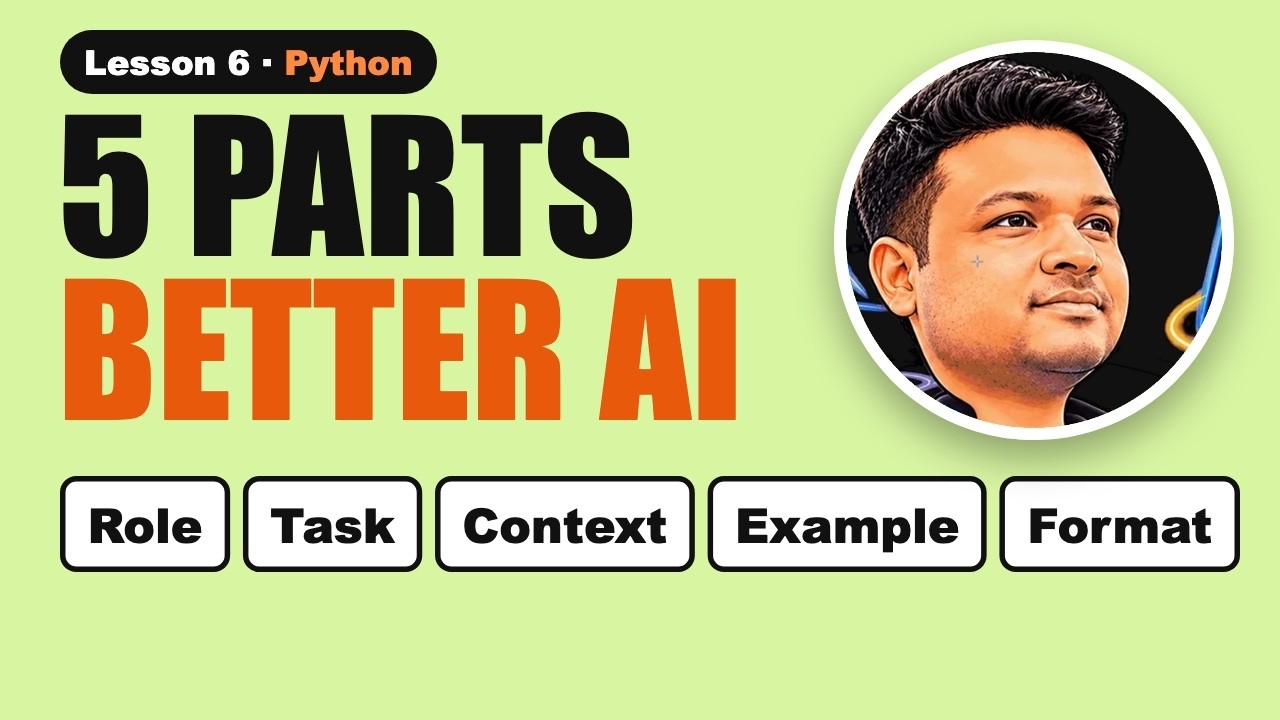
Vague in, vague out. A strong prompt has five parts: a role (who it should be), instructions (one clear job), context (what it can't know), examples (show what good looks like) and an output format (bullets, JSON, a table). And give it a way out: tell it to say "I don't know" when it isn't sure.
▶ Watch lesson 6 · Use the prompt builder
What's next
- Zero-shot, few-shot and chain-of-thought prompting.
- Calling an LLM API from Python, then building a chatbot.
- RAG: making an AI answer from your own documents.
- AI agents that use tools.
- Each lesson also has a 1-minute Web Story with a quiz.
▶ Watch the full Generative AI playlist on YouTube
🔔 Subscribe to Compiled Canvas for a new lesson every week.